
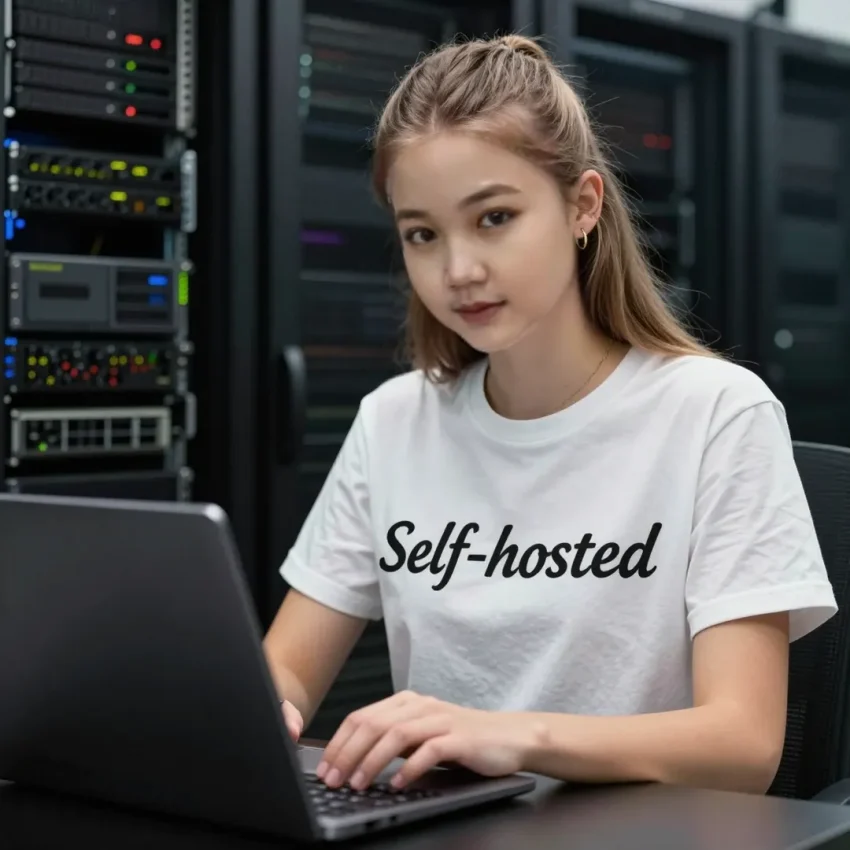
Ever feel like your favorite apps are getting worse while demanding more of your data? You’re not imagining it! It’s called “enshittification.” But don’t worry—today, we’re going to learn how to fight back by hosting our own services. Let’s look at the best tools to reclaim your digital sovereignty!
To begin our journey into self-hosting, we must first understand the foundation. Most of these applications run on what we call virtualization platforms or hypervisors. Two excellent options are XCP-ng and Proxmox VE. These are enterprise-grade tools that allow you to turn one physical computer into many “virtual machines.” Think of it like a large building where you can create many separate apartments; each apartment is a different app, but they all share the same foundation. If you are just starting, these platforms provide a powerful interface to manage your digital lab.
Once your foundation is set, you need to change how you consume information. Big social media platforms use “algorithms” to choose what you see, often prioritizing content that makes them money rather than what is useful to you. FreshRSS is a self-hosted RSS feed aggregator that puts you back in charge. By using RSS feeds, you pull news directly from sources you trust, like technology blogs or podcasts, without a middleman tracking your clicks. Similarly, when you need to find information, stop using search engines that profile you. SearXNG is a “privacy-respecting meta-search engine.” It acts as a shield; it sends your search query to many different engines like Google and Bing, collects the results, and hands them to you without letting those big companies know who you are.
The next step in your privacy stack involves Artificial Intelligence. We often hear about AI bots that save your conversations to train their models. With tools like Ollama and Open WebUI, you can run Large Language Models (LLMs) directly on your own hardware. This means you can ask questions, write code, or summarize documents knowing that your data never leaves your room. However, keep in mind that running AI requires a computer with a decent graphics card or a modern processor to handle the heavy mathematical calculations.
Now, let’s talk about your personal life and home. If you have “smart” light bulbs or cameras, they often require a connection to a company’s cloud server. This is a privacy risk. Home Assistant is an open-source home automation platform that prioritizes local control. It allows all your devices to talk to each other inside your own network. If the internet goes out, your lights still work! For your memories, Immich is a fantastic self-hosted photo and video management solution. It is designed to be a high-performance alternative to Google Photos. It includes features like facial recognition and object detection, all powered by an AI engine running on your local server. Your private family photos stay on your hard drives, not in a data center owned by a giant corporation.
Security and remote access are also vital. When you are away from home, you might need to access your files. Instead of using risky public connections, you can use Netbird. It is an overlay VPN based on the WireGuard protocol. It creates a “Zero Trust” private network that connects your devices securely as if they were all plugged into the same router. For even higher security, Kasm Workspaces provides “sandboxed” browser sessions. If you receive a suspicious link, you can open it inside a Kasm browser. The browser runs in a temporary container that is completely isolated from your computer. Once you close the session, the entire browser is deleted, including any viruses or tracking cookies that might have tried to infect you.
Finally, you need to keep your files organized. Joplin is an excellent open-source note-taking app that uses the Markdown format. It allows you to synchronize your notes across your phone and computer using encryption, so only you can read them. To keep all your other files in sync, use Syncthing. Unlike cloud storage, Syncthing is a continuous file synchronization program that moves data directly between your devices. It doesn’t store your data on a central server; it simply ensures that the folder on your laptop matches the folder on your desktop in real-time.
Self-hosting is more than just a fun technical project; it is about taking back ownership of your digital life. While it requires a bit of effort and learning, the privacy and security gains are immense. Start small—maybe with a simple RSS reader or a note-taking app—and gradually expand your stack. As you get more comfortable with Docker containers and virtualization, you’ll realize that you don’t need Big Tech to have a great digital experience. Always remember to back up your data locally and keep your software updated to stay ahead of security threats. Keep exploring, stay curious, and always keep your data under your own roof. Happy hosting!