

Lutris is an open-source game manager for Linux-based operating systems that acts as a central hub for all your gaming needs, whether they are native Linux titles, Windows games, or retro emulators. The 0.5.21 version is a major software update specifically designed to streamline game compatibility and improve the overall performance of gaming on Linux.
The most significant addition in this release is the support for the Steam Sniper Runtime. For a long time, Linux gamers had to rely heavily on Proton—a Wine-based layer—to run Steam games. While Proton is great, it can sometimes be a bit hit-or-miss with specific configurations. By integrating the Sniper Runtime, Lutris now allows you to run Steam games more natively without needing an external compatibility layer. This effectively reduces technical conflicts and provides a much more stable environment for your titles.
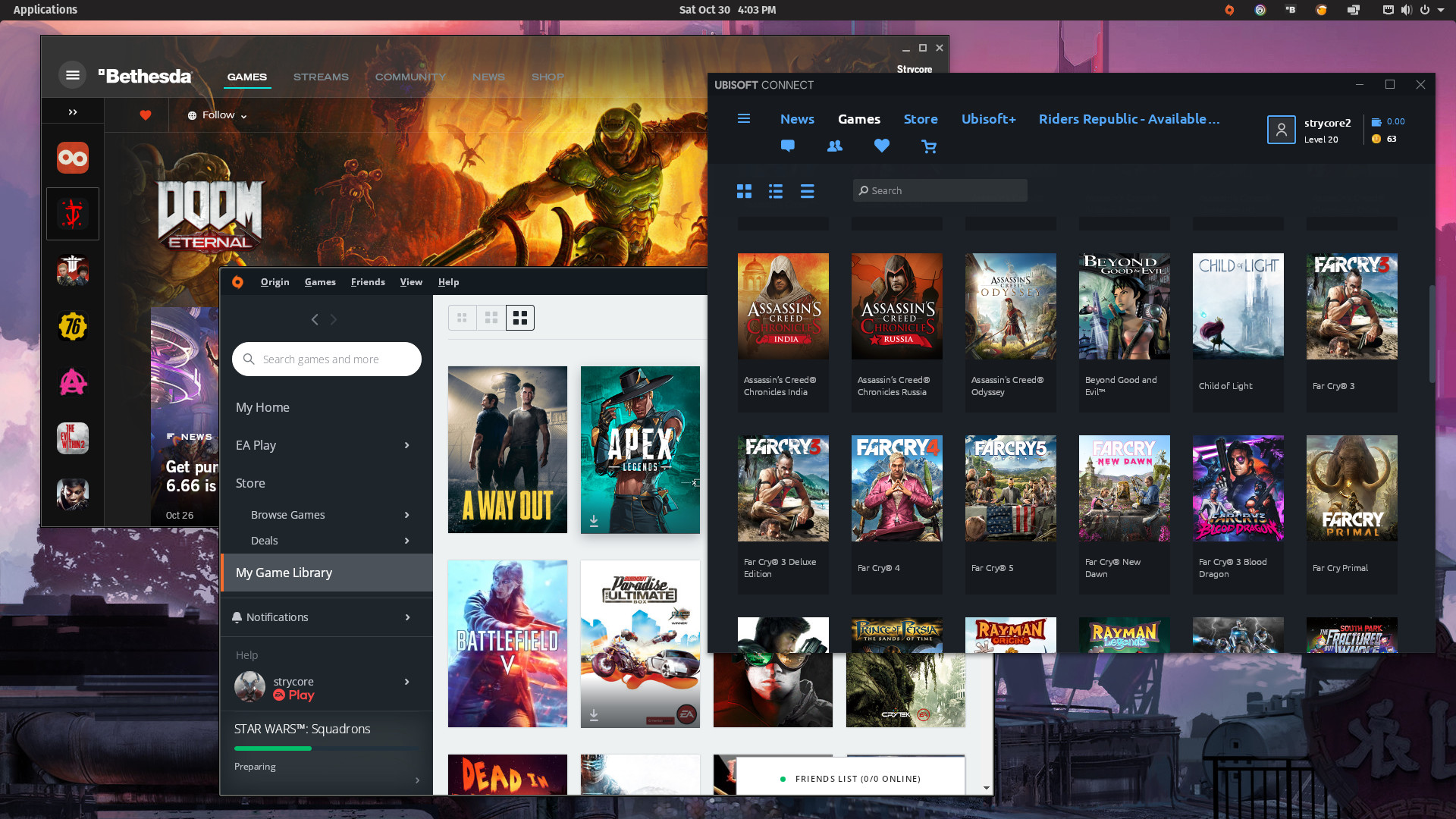
On the technical side, the developers have really gone under the hood to optimize how the software uses your computer’s resources. If you are running an older laptop or a low-end desktop, you will notice that Lutris 0.5.21 is much leaner. They have also improved the way the app handles the Vulkan API and DirectX 12, which are crucial for playing modern, high-end games. You can now tweak your resolution scaling and input device settings with a lot more precision than before.
For those who love the classics, this update brings native support for several new console emulators, including the PlayStation 1, Sega Saturn, and Neo Geo. These emulators utilize modern cores from RetroArch, which means you get features like reduced input lag and smoother frame rates. Furthermore, a new plugin system has been introduced. This is a big deal for developers because it allows third-party tools to hook directly into Lutris, potentially adding endless new features in the future.
Managing your files is also safer now. The team fixed a nasty bug that occasionally corrupted game saves and implemented a more robust save management system. Additionally, if your internal drive is getting full, you can now easily point Lutris to external storage, like a USB drive or a NAS, to store your game data.
How to Get Started with Lutris 0.5.21
If you are looking to upgrade or install this new version, here are the steps you should follow:
- Backup your configurations. Before doing anything, copy your current Lutris config folder (usually found in your home directory) to a safe place just in case something goes sideways during the update.
- Download the latest package. Visit the official Lutris website or check your Linux distribution’s software repository to find the 0.5.21 release.
- Install the Steam Sniper Runtime. Once the app is updated, navigate to the settings to enable the Sniper Runtime. This will allow you to run Steam games without the traditional Proton overhead.
- Configure your emulators. If you play retro games, go to the “Runners” section and download the new cores for PS1 or Sega Saturn to take advantage of the RetroArch integration.
- Set up external storage. If you have a large library, go to the storage settings and link your external drive or network folder to keep your main drive clean.
Lutris 0.5.21 is more than just a minor patch; it is a clear statement that Linux gaming is becoming more accessible and professional. The inclusion of the Steam Sniper Runtime is a massive win for stability, and the expanded emulator support makes it a true “all-in-one” solution for any gamer. It is rare to see an update that balances modern high-performance gaming with retro nostalgia so effectively.
If you are a Linux user, I highly recommend making the switch to 0.5.21 immediately. Just remember to back up your data first, as with any major software transition. The stability and the new UI features make the management of a large library feel much less like a chore and more like a premium experience. Keep an eye on those experimental cloud-saving features too; they might just be the next big thing for Steam Deck enthusiasts.