

Logseq is a privacy-first, open-source knowledge base that operates on local text files, emphasizing a journal-based workflow where daily logging takes precedence over rigid hierarchical structures. Similarly, Standard Notes is a secure, end-to-end encrypted note-taking application designed for longevity and simplicity, stripping away complex features to prioritize speed and privacy.
These software solutions represent a significant shift away from complex “all-in-one” workspaces, aiming instead to reduce the friction between having a thought and capturing it. By focusing on immediacy rather than organization, these tools challenge the conventional wisdom of productivity enthusiasts who often prioritize the aesthetics of a system over its actual utility.

For many people, the journey into digital productivity becomes a paradox where they spend significantly more time researching the best note-taking applications than actually taking notes. It is a common trap to build elaborate folder structures that remain empty, tweak complex templates for workflows that never launch, and abandon perfectly capable systems simply because they feel slightly imperfect.
The irony of this situation is that a note-taking system often only becomes truly helpful once the user stops trying to make it look good. The pursuit of a flawless system is frequently just procrastination disguised as productivity. The perfect setup does not exist, and chasing it prevents the only task that actually matters, which is writing things down. This realization often leads users to embrace messy, imperfect notes using simpler tools like Logseq and Standard Notes, which do not promise perfection but allow for the judgment-free capture of thoughts.
The “optimization trap” is particularly insidious because it mimics the feeling of work. Spending a weekend building a system in Notion complete with databases, relations, and automated workflows feels like an accomplishment. However, if that complexity creates friction—forcing you to decide which database a thought belongs to or what tag taxonomy to use—you stop capturing ideas. Cognitive overhead becomes a barrier to entry. You might find yourself with dozens of bookmarked articles about the perfect workflow but only a handful of actual notes.

Logseq and Standard Notes solve this by designing their software around immediacy. In Logseq, the app opens directly to a daily journal page, removing the need to make decisions before writing. Standard Notes is aggressively simple, offering no folders or notebooks, just notes and tags, forcing the user to confront the fact that complex features are often just excuses for not working.
Waiting for perfect conditions to use a “perfect” system is a recipe for failure. Many users create beautiful vaults in apps like Obsidian, complete with trackers for mood, weather, and tasks. These systems work well on days when energy is high and time is abundant, but they fall apart when life gets busy. If a system requires you to fill out metadata to feel “complete,” a rough morning can lead to guilt and eventual abandonment of the app.
Logseq’s journal-first approach does not care about conditions. If you miss a day, the next day simply offers a fresh, blank page without judgment. This format meets the user where they are. Some entries might be structured and detailed, while others are hasty scribbles. Both have equal standing and, most importantly, both get captured.
The genius of this messy approach is the psychological safety it provides. The barrier to entry is lowered so significantly that the system is actually used, and using a system imperfectly is infinitely better than not using a perfect system at all. In a daily journal format, there is no pressure for an entry to be polished because it is inherently transient.
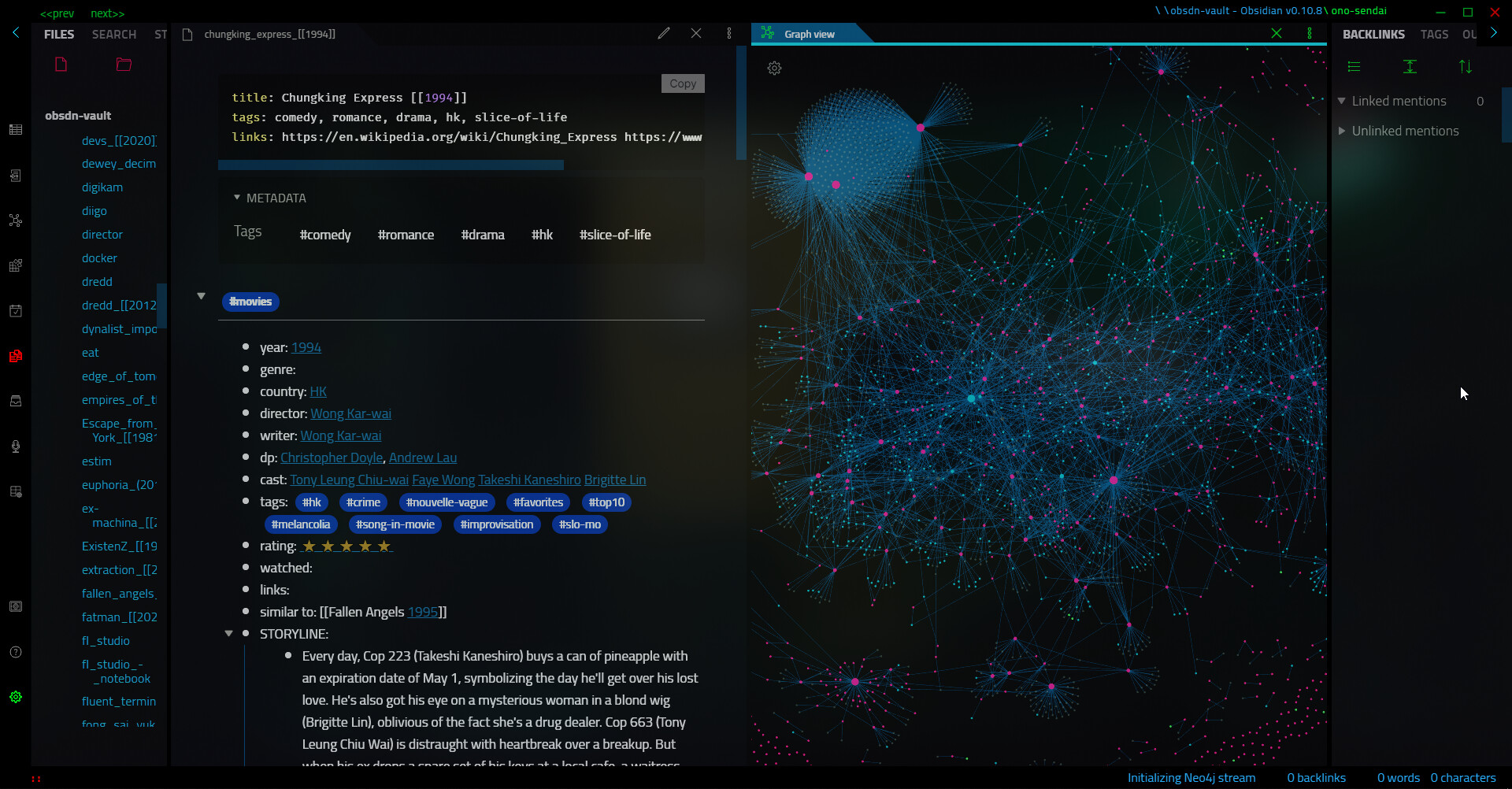
You can write half-sentences, paste code snippets without context, or jot down vague reminders. While a past self might have been horrified by this lack of organization, the present self is grateful because those incomplete thoughts are preserved rather than forgotten. Because Logseq uses a block-based structure, even these messy, incomplete thoughts can be referenced and connected later, meaning you don’t need to “finish” a note for it to be useful.
This philosophy extends to organization as well. Standard Notes teaches a valuable lesson: write first, organize never—or at least, not until necessary. By removing the option for deep folder hierarchies, the app liberates the user from the burden of filing. Tags can be used, but they work best when they are descriptive rather than prescriptive.
Instead of designing an elaborate taxonomy upfront, tags should emerge naturally over time based on actual needs. You might find yourself using a specific tag for ideas you want to revisit, a pattern that you never would have predicted or designed into a formal system initially. This organic growth ensures that the structure serves the content, rather than the content being forced into a rigid structure.
Ultimately, this approach is about “momentum-first” productivity. In most elaborate systems, curation is a required step—cleaning up, linking, and formatting notes. In reality, most people are too busy for curation, leading to a backlog of unorganized notes that induces guilt. Momentum-first means the primary goal is capturing the thought, regardless of how it looks.
It measures success by whether something was written down, not how perfectly it was formatted. A system should be designed to survive your laziest, most distracted days. If you can open an app and dump a stream-of-consciousness thought without worrying about links or tags, you are more likely to keep using it. By abandoning the need to curate and maintain a pristine collection, you may find that you are more productive than ever, simply because you are actually using your tools instead of just managing them.
Website: https://logseq.com