

An open-source graphics stack refers to a comprehensive collection of software tools that are developed by community collaboration, made freely available to the public, and allow users to access and modify the source code. Unlike proprietary software suites that require expensive monthly subscriptions and lock users into specific ecosystems, an open-source stack provides a flexible, cost-effective, and transparent alternative for digital creation. These tools cover every aspect of the creative workflow, from vector design and digital painting to photo manipulation and video editing, offering a powerful solution for professionals and hobbyists who wish to break free from the constraints of the traditional software industry.
For years, the general consensus among creatives was that Adobe software was the only legitimate option if you wanted to produce professional-quality work. Like many others, I operated under this assumption for a long time. However, upon venturing outside that ecosystem, I discovered a vast landscape of options that do not cost a fortune, nor do they tether you to cloud services or restrictive proprietary file formats. Since canceling my subscriptions, I have successfully maintained my creative output using a new, fully open-source graphics stack. This collection of tools continues to grow and evolve, and for anyone looking to make the switch, there are several standout applications that serve as excellent replacements for the industry standards.
One of the most impressive tools I have adopted recently is Penpot, which serves as a formidable alternative to Adobe XD and a strong competitor to Figma. Penpot has become central to my workflow, primarily because it mirrors the functionality of Figma while being completely open-source. It is designed specifically for UX designers who need to create wireframes, user interface designs, and prototypes. However, its utility extends to general vector work, making it a viable substitute for certain Illustrator tasks or even simple Photoshop projects like social media banners. Because it is browser-based, it is highly accessible, yet it also offers the unique ability to be self-hosted. It supports standard formats like SVG and includes essential features for the design pipeline, such as components, grids, and developer handoff tools, ensuring a professional workflow without the subscription costs.
While Penpot handles UI and web-based tasks beautifully, Inkscape remains the definitive open-source desktop alternative to Adobe Illustrator. It is a full-featured vector editor capable of handling complex illustrations, logo design, and icon creation. Available on Windows, Mac, and Linux, Inkscape offers a comprehensive toolset that includes node editing, bezier curves, and advanced path operations. For users transitioning from Illustrator, the interface may require a brief adjustment period, but the power under the hood is undeniable. It supports SVG natively and can import AI and EPS files, making it compatible with existing assets. Although it lacks built-in cloud collaboration, it pairs excellently with version control systems, making it a robust choice for professional vector artists.
Penpot Website: https://penpot.app/
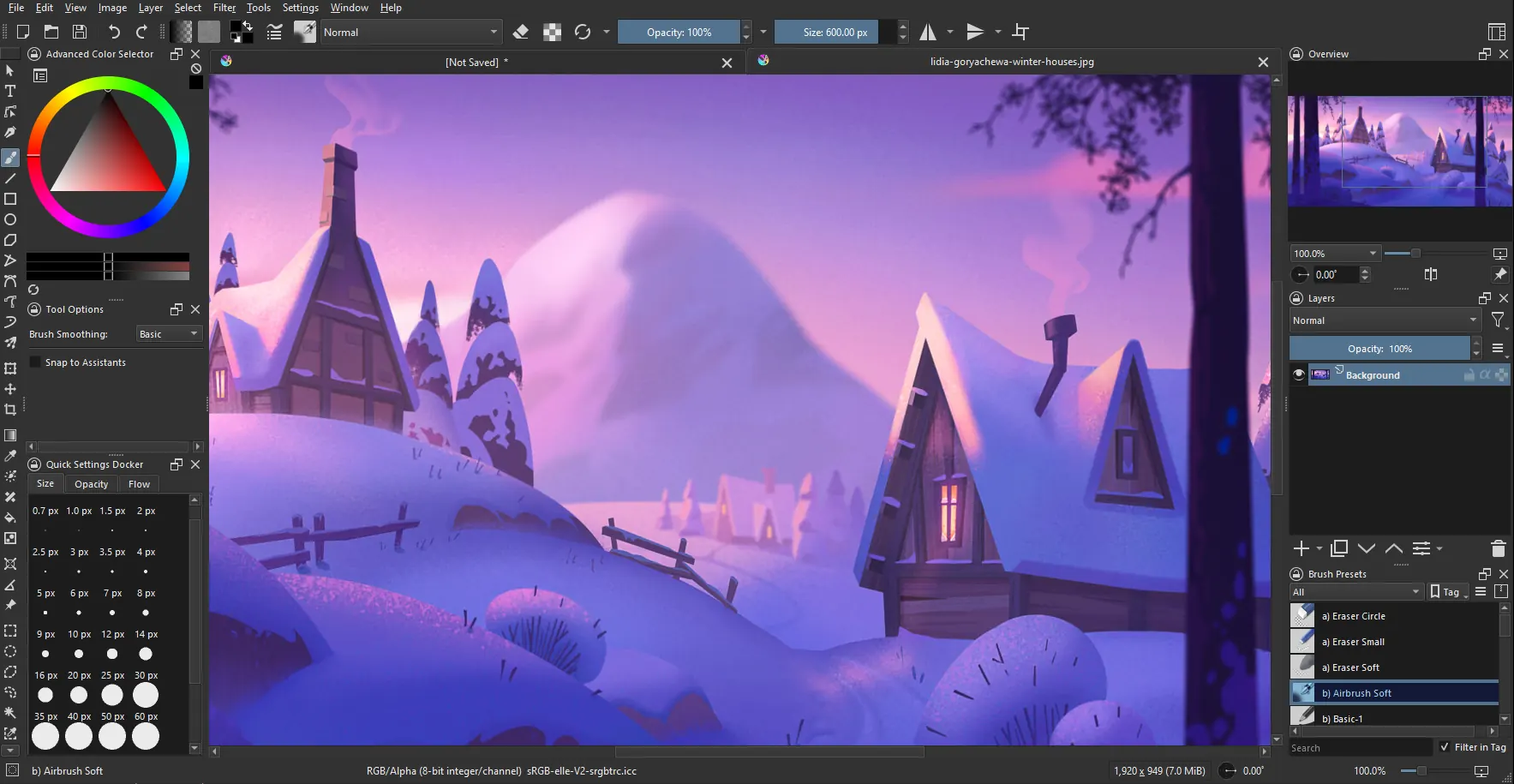
For digital painting and illustration, Krita is the clear successor to Photoshop and Adobe Fresco. While Adobe has experimented with free versions of Fresco, Krita stands out as a truly cross-platform, open-source solution built specifically for concept artists, illustrators, and comic creators. Its engine is optimized for brush performance and texture rather than photo manipulation, making it superior for drawing tasks. It supports PSD files to a significant degree and offers an array of professional features like layer masks, stabilizers for smooth line work, and non-destructive filters, ensuring that artists do not lose any functionality when switching over.
Website: https://krita.org/en/features/
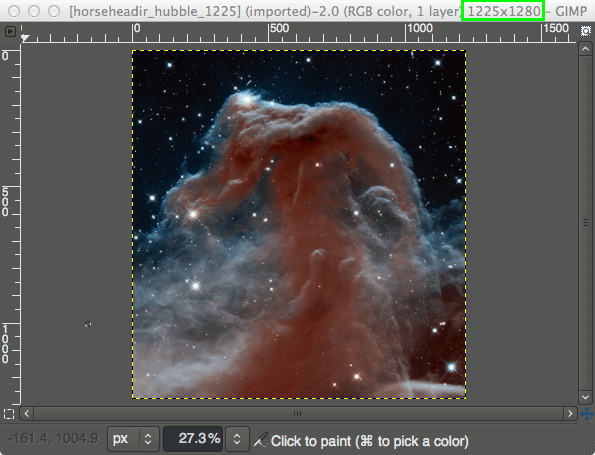
When the task shifts from painting to heavy photo manipulation and retouching, GIMP is the standard-bearer for open-source raster editing. It is often cited as the direct alternative to Photoshop, and while it lacks the polished interface of some modern apps, it is unrivaled in terms of raw power. GIMP handles complex layering, masking, color grading, and blend modes with ease. It supports high-bit-depth images for professional retouching and boasts a massive library of plugins and scripting capabilities, allowing users to automate tedious tasks. It may feel slightly utilitarian compared to its commercial counterparts, but for those who need a capable editor without the price tag, GIMP remains the most reliable option.
Website: https://www.gimp.org/

For photographers who deal with RAW files and require a workflow similar to Lightroom, Darktable is an exceptional tool. It is designed for non-destructive editing, meaning your original RAW files are never altered; instead, edits are saved as a set of instructions. The interface is logically divided into sections for culling, editing, and exporting, streamlining the management of large photo libraries. Darktable includes advanced tagging and rating systems, along with batch processing capabilities, making it suitable for professional high-volume photography. It provides granular control over color correction, exposure, and tone mapping, serving as a powerful darkroom for the digital age.
Website: https://www.darktable.org/
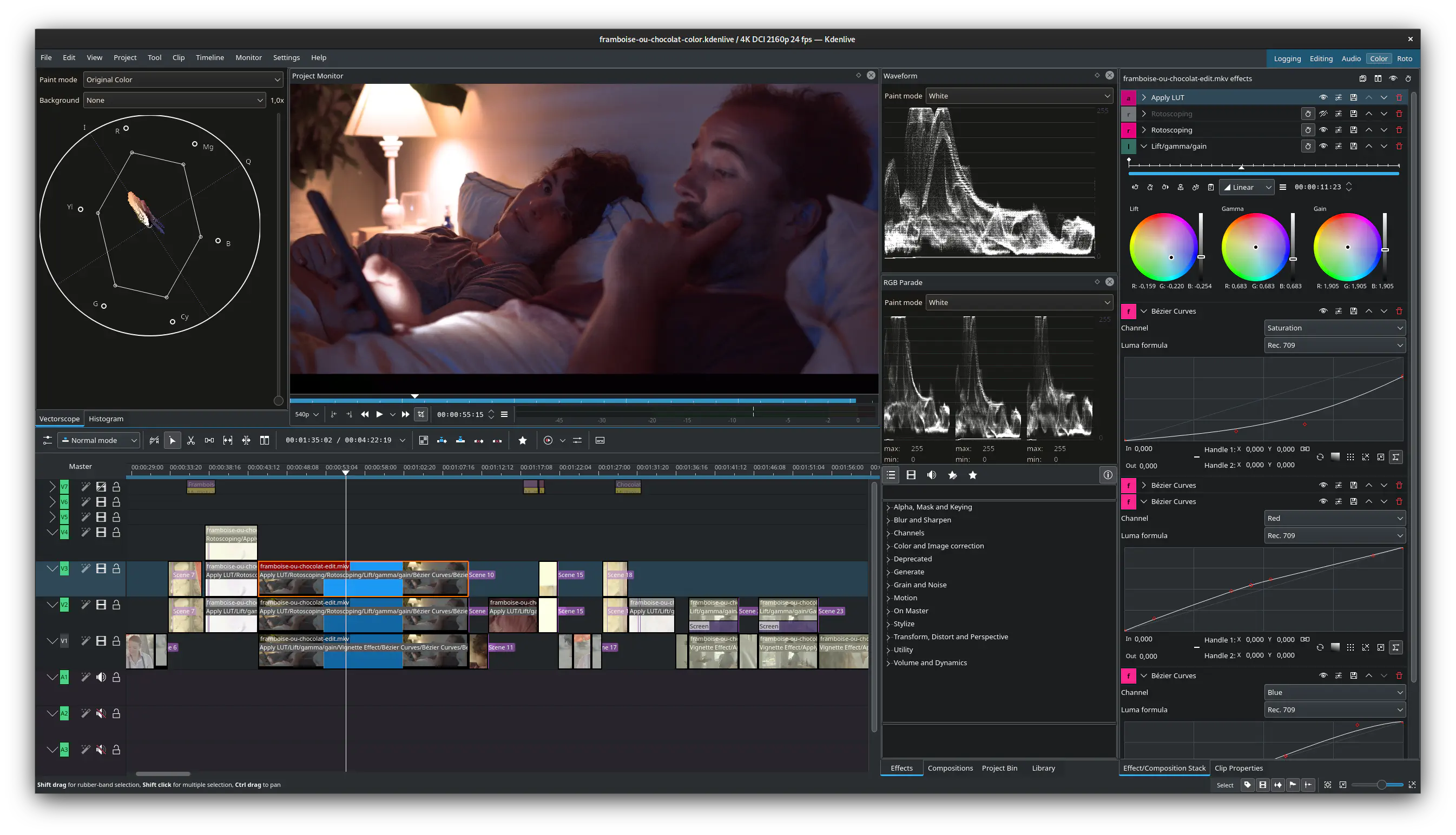
Finally, for video production, Kdenlive stands out as a robust alternative to Adobe Premiere Pro. It is a comprehensive, timeline-based editor designed for serious video work rather than simple cutting. It supports multi-track editing, keyframing, and a wide variety of effects and transitions. Powered by FFmpeg, Kdenlive can handle almost any video or audio format you throw at it. It includes features like proxy editing for smoother performance with high-resolution footage, audio mixing tools, and color grading controls. While the interface has a classic feel, its functionality is thoroughly modern, proving that you do not need a subscription to create high-quality motion content.
Website: https://kdenlive.org/