

Libreboot 26.01, a free and open-source firmware project, has been officially released with enhanced board support for hardware compatibility. This update focuses on expanding Libreboot’s ability to work with new motherboard models, ensuring users can install and run Libreboot on a wider range of devices. The release includes critical security patches, performance optimizations, and improved hardware detection for modern processors and chipsets.
Developers and enthusiasts who prioritize privacy and control over their systems will find this update particularly valuable. Libreboot aims to replace proprietary firmware like BIOS/UEFI with fully open-source alternatives, offering greater transparency and security. This article explains the key features of Libreboot 26.01, its compatibility improvements, and how to use it effectively.
The update also addresses potential issues with previous versions, such as boot failures on certain hardware and incomplete driver support for newer components. Users are encouraged to test the firmware on supported boards before deploying it in production environments. The new release highlights Libreboot’s commitment to maintaining a secure, open, and community-driven firmware ecosystem.
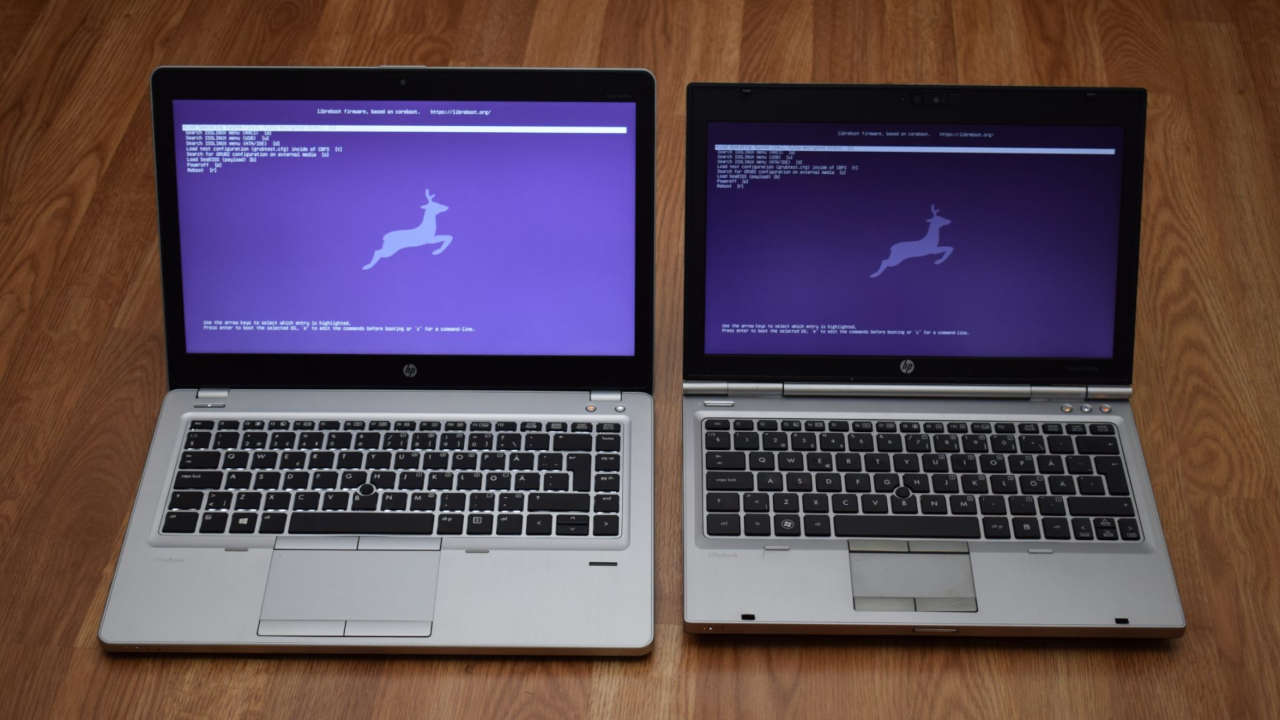
By supporting additional motherboard models, Libreboot reduces the barrier to entry for users who want to replace proprietary firmware with free alternatives. The firmware is designed to work with a variety of hardware, including x86-based systems, ARM devices, and other architectures supported by coreboot. The release also includes documentation updates and tools to simplify the installation process for both beginners and advanced users. For those unfamiliar with Libreboot, it is part of the coreboot project, which provides a foundation for open-source firmware.
Libreboot adds additional security features, such as secure boot verification and hardware write protection, to prevent unauthorized modifications. This makes it ideal for users who want to ensure their systems are not vulnerable to firmware-level attacks. The new board support in 26.01 includes models from major manufacturers like Intel, AMD, and several open-source hardware initiatives. However, users should verify compatibility with their specific hardware before proceeding.
The firmware is distributed under the GNU General Public License (GPL), ensuring users have the right to inspect, modify, and redistribute the code. This aligns with the broader open-source philosophy of transparency and collaboration. The release also includes improvements to the build process, making it easier for developers to contribute to the project. Community feedback has been instrumental in shaping this update, with contributors addressing bugs and optimizing performance for various use cases.
Libreboot 26.01 is available for download from the official repository, with detailed installation instructions provided on the project’s website. Users are advised to back up their data before installing firmware updates, as improper installation can lead to system instability. The project’s documentation recommends testing the firmware on non-critical hardware first to ensure compatibility.
In addition to hardware support, the update includes enhancements to the user interface, such as clearer boot menus and improved error messages. These changes aim to make the firmware more accessible to users who are new to open-source firmware. The security improvements in this release are particularly noteworthy.
Libreboot 26.01 introduces stronger cryptographic checks for firmware modules, reducing the risk of tampering. It also includes updated signing keys to ensure compatibility with the latest security standards. For users concerned about privacy, Libreboot eliminates the need for proprietary firmware that may collect data or include hidden features. The firmware’s open-source nature allows users to audit the code for vulnerabilities and ensure it meets their security requirements.
Overall, Libreboot 26.01 represents a significant step forward in expanding the project’s hardware compatibility and improving its security features. The update demonstrates the ongoing commitment of the Libreboot community to provide a reliable, open-source alternative to proprietary firmware. As more hardware manufacturers adopt open-source solutions, projects like Libreboot will play a crucial role in ensuring user freedom and system integrity.
Users interested in exploring Libreboot are encouraged to visit the official website for the latest updates, documentation, and community support. The project’s active development cycle ensures that new features and improvements are continuously integrated, making it a viable option for those seeking full control over their computing environment.