

Have you ever noticed how fast-moving objects in video games seem to leave a “ghostly” trail behind them? For decades, monitor manufacturers have struggled to solve this issue, which tech experts call motion blur. However, NVIDIA recently introduced a new technology called G-SYNC Pulsar that promises to change everything.
For as long as LCD (Liquid Crystal Display) screens have existed, they have faced a specific challenge: things move on the screen, but they do not move perfectly. Instead of a crisp, clean transition, they leave behind “ghosts” of their previous positions. This results in a blurry image that can be distracting, especially during intense gaming sessions. At the most recent Consumer Electronics Show (CES), NVIDIA announced G-SYNC Pulsar, a significant innovation designed to improve motion clarity by up to four times. To understand why this is such a breakthrough, we must first look at the history of how our screens display images.
To achieve a “crisp” image, most people think only of resolution. Higher resolution means more pixels, which results in a sharper still image. Beyond that, we have refresh rates, measured in Hertz (Hz), or frames per second (FPS). While more frames generally lead to smoother movement, it does not necessarily solve the blur problem. Even at 360Hz, if each frame is filled with “ghosts” from the previous one, the image will still look messy. This is where motion clarity becomes the true final boss of display technology.
Historically, LCD panels have had slower “pixel response times.” This means the time it takes for a pixel to change from one color to another is relatively long. OLED (Organic Light-Emitting Diode) monitors solved this because their pixels can change color almost instantly. However, even with fast pixels, there is another technical hurdle: a phenomenon called “Sample and Hold.” Most modern displays show an image and “hold” it there until the next frame arrives. Our human brains, however, expect motion to be fluid. When the image jumps from one static position to another, our eyes try to track the movement, but the “held” image conflicts with our tracking, creating a perceived blur.
Interestingly, older technology—specifically the bulky CRT (Cathode Ray Tube) monitors—did not have this problem. CRTs worked on an “impulse” style. They did not show the whole image at once; instead, they drew the image line by line and then went dark before drawing the next one. Because the screen was dark between frames, our brains did not get confused by a “held” image. This allowed for incredible motion clarity, even at lower refresh rates.
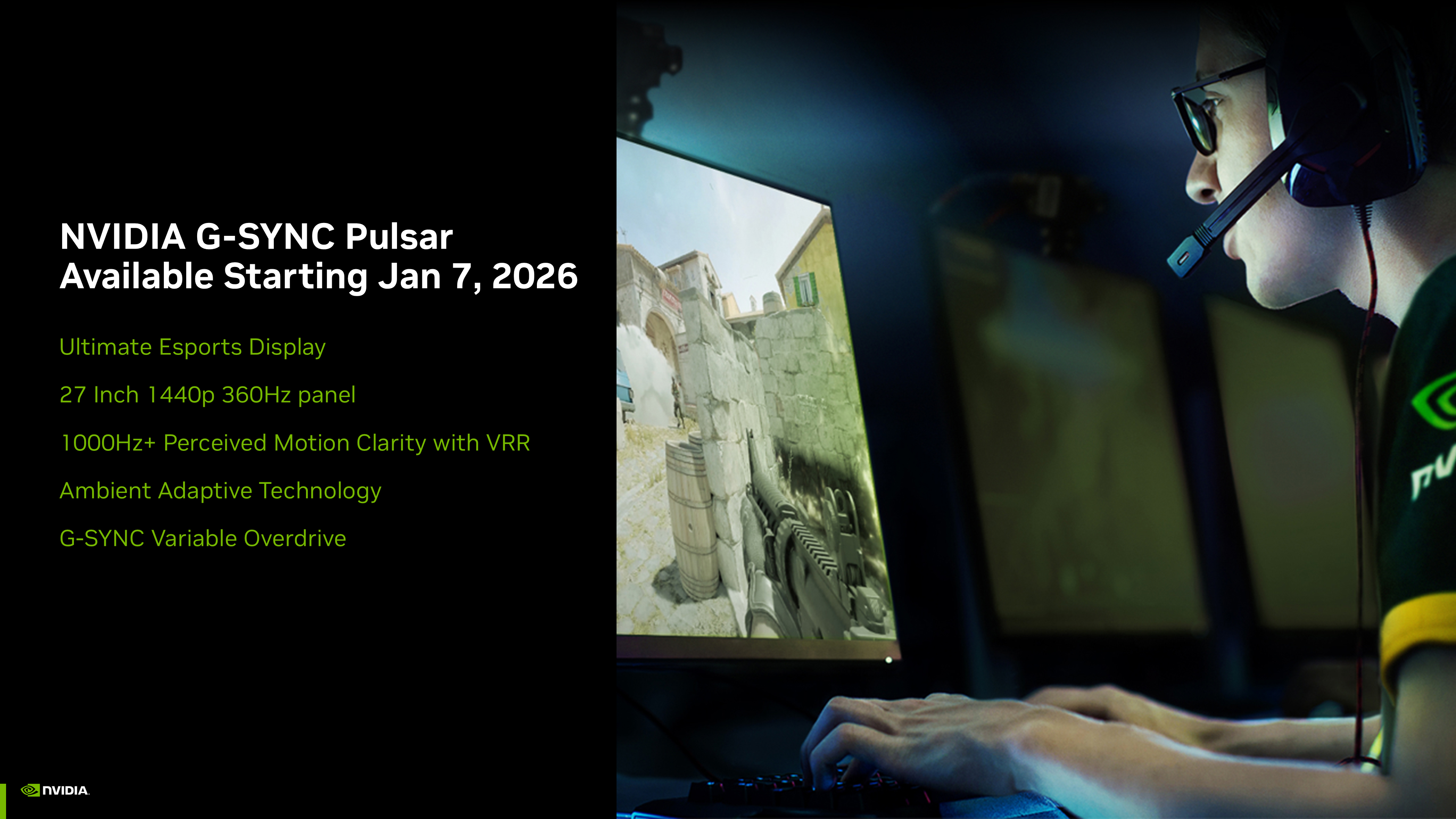
NVIDIA’s G-SYNC Pulsar essentially brings this CRT-style clarity to modern LCD screens. In the past, manufacturers tried a similar technique called “Black Frame Insertion” (BFI). They would insert a black frame between every real frame to mimic the CRT effect. The problem was that BFI usually locked the monitor to a specific frame rate and made the screen much dimmer. Pulsar is different because it uses a sophisticated algorithm to sync the strobing of the backlight with the actual refresh rate of the game, even when that rate is changing. This is called Variable Refresh Rate (VRR) support.
In real-world tests comparing a standard LCD, an OLED, and an LCD equipped with G-SYNC Pulsar, the results were staggering. When playing fast-paced games like Counter-Strike 2, the Pulsar-enabled monitor produced an image that looked almost identical to the OLED in terms of motion clarity. Even though the OLED has faster pixels, the Pulsar technology handled the “persistence of vision” blur so effectively that the human eye could barely see a difference. This means that high-end LCD monitors can now compete with the best OLEDs for a fraction of the cost.
This technology is not just for professional esports athletes. Even retro games, like the original Super Mario, benefit immensely. On a standard modern monitor, Mario can look slightly blurry when running across the screen. With Pulsar, he remains perfectly sharp, just as he did on the old televisions of the 1980s. This innovation marks the end of a fifty-year struggle with blurry displays, and as it becomes more common in the next few years, it will likely become the new industry standard for all gaming monitors.
Ultimately, G-SYNC Pulsar represents a major leap forward in how we experience digital movement. If you are someone who values visual perfection, or if you find motion blur to be an eyesore, this technology is a game-changer. While it is currently only available on a few high-end models, such as the 1440p 360Hz monitors from MSI and ASUS, we can expect this technology to trickle down to more affordable displays soon. For now, the “blurry world” of the last few decades is finally starting to clear up, giving us the sharpest gaming experience we have ever had.
Website: https://www.nvidia.com/en-us/geforce/news/g-sync-pulsar-gaming-monitors-available-january-7-2026/