

Calibre 9.3 is the newest iteration of the world’s most popular open-source e-book management software. For those unfamiliar with the program, Calibre is a comprehensive suite designed to help readers organize their digital libraries, convert files between different formats, and synchronize content with various e-reading devices. It acts as a digital librarian, allowing users to take full control of their EPUB, PDF, and Kindle files through a centralized interface. The version 9.3 update specifically addresses long-standing needs for KEPUB file handling and overall system efficiency, making it a critical download for serious digital book collectors.
One of the most significant changes in this release is the refined handling of KEPUB files. While a standard EPUB is the universal format for e-books, KEPUB is a specialized version used primarily by Kobo devices. These files are optimized to enable advanced features like reading statistics, faster page turns, and better image zooming. However, many users have historically struggled to maintain consistent metadata and formatting when moving these files between their computers and devices. Calibre 9.3 solves this by introducing enhanced tools that automatically detect and repair common KEPUB errors. This means that details such as author names, series titles, and high-resolution cover images are preserved accurately during the transfer process.

The metadata editor, which is essentially the heart of the software, has also received a substantial redesign. Metadata refers to the descriptive data of a book, such as its publication date, genre, and summary. In the previous versions, editing these fields for a large number of books could be a tedious task. The new interface in 9.3 is much more intuitive, featuring a layout that prioritizes frequently used fields. Advanced users will appreciate the inclusion of custom tags and smarter search filters within the editor itself. These improvements allow for much more precise organization, ensuring that even a library containing thousands of titles remains easy to navigate and catalog.
Beyond metadata, the update focuses heavily on improving general library management. Searching for a specific book in a massive database can often feel like looking for a needle in a haystack. To mitigate this, Calibre 9.3 has introduced support for partial matches and smart filters. You no longer need to remember the exact title or the full name of an author to find a book. Simply typing a keyword or a portion of a name will yield accurate results. Furthermore, the software now allows for multi-criteria sorting. This means a user can sort their collection by publication year and then by file size or rating simultaneously, providing a more customized view of their digital shelves.
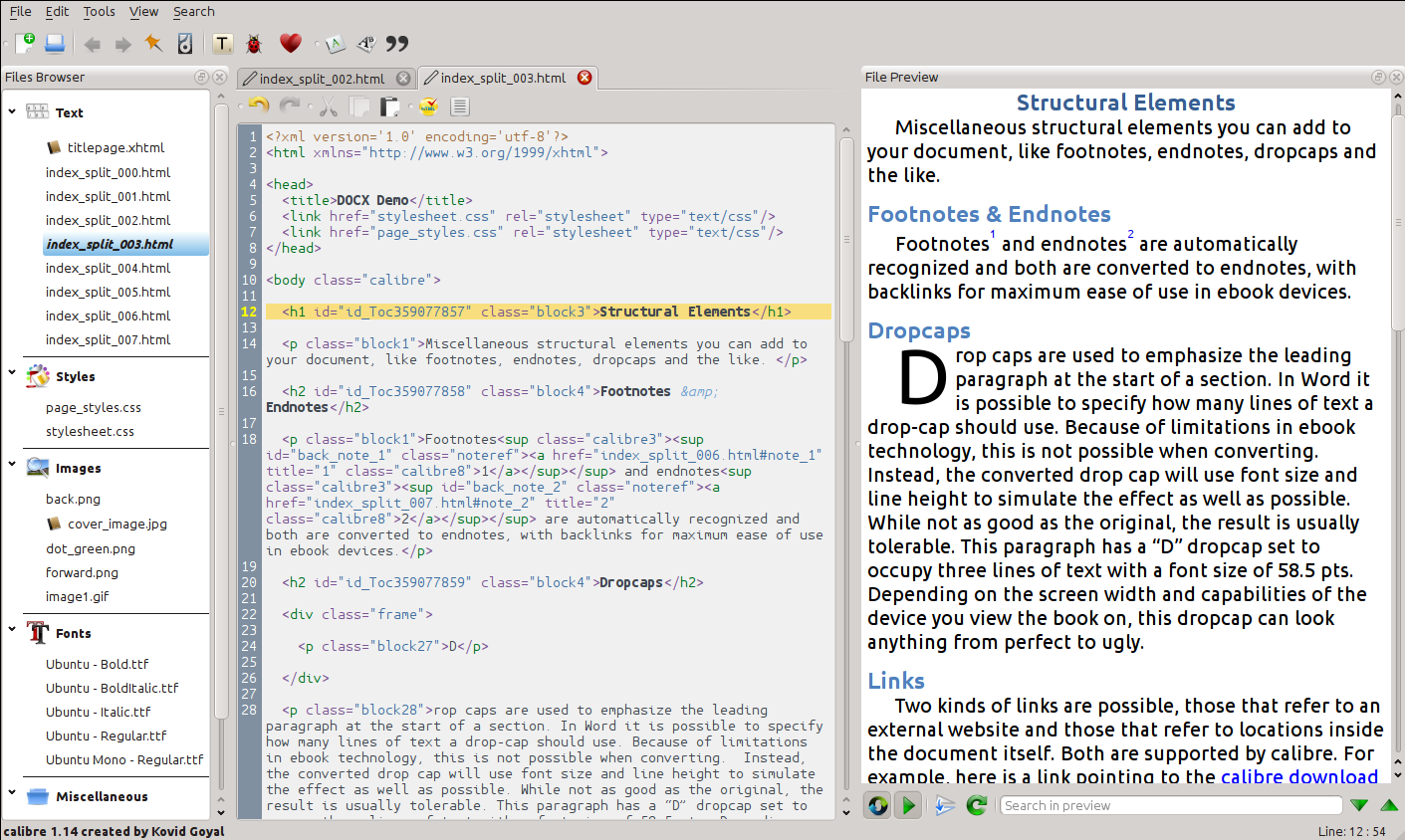
Performance is another area where Calibre 9.3 shines. Many long-time users have noticed that as their libraries grow, the software can sometimes become sluggish. The developers have addressed this by optimizing the underlying codebase to use less system memory. This change is particularly noticeable when scrolling through large lists of books or when the software is performing background tasks like fetching news or downloading metadata. The responsiveness of the interface has been sharpened, and the program now loads significantly faster on both Windows and Linux platforms. This optimization ensures that the software remains accessible even for users who are running it on older hardware.
Visual comfort has not been overlooked in this update. The user interface has been polished with minor but effective tweaks. The dark mode feature, which is essential for many readers who manage their libraries at night, now includes more granular customization options. Users can adjust the contrast and brightness levels to suit their personal preferences, reducing eye strain during long sessions. Additionally, the transitions between different screens and menus have been smoothed out. While these may seem like small changes, they contribute to a more modern and premium feel that enhances the overall user experience.
For those who frequently convert books for different devices, the new version introduces better compression algorithms. Converting a book from one format to another can sometimes result in unnecessarily large file sizes. The new algorithms in 9.3 help reduce the storage footprint of these files without any loss in text or image quality. This is particularly useful for readers who use devices with limited internal storage. The conversion engine also now includes an automatic error-checking phase. If the software detects a corrupted file or a formatting issue that might cause problems on an e-reader, it will attempt to fix the error before the conversion is finished.
Finally, the 9.3 release places a strong emphasis on stability and security. Like any software that handles a variety of file types from different sources, Calibre must be vigilant against potential vulnerabilities. This update includes several security patches and bug fixes that prevent crashes and protect user data. The documentation provided with the software has also been updated to be more user-friendly. New users will find it easier to navigate the initial setup, while experienced users can take advantage of the more detailed troubleshooting guides. Collectively, these improvements make Calibre 9.3 a robust, efficient, and essential tool for anyone who takes their digital reading seriously.