

Podman 5.8 brings two major updates to simplify container management for Linux users. The first is Quadlet, a new tool that allows splitting container configurations into multiple files. This helps organize complex setups by dividing configurations into smaller, reusable parts. The second update is a migration tool that moves data from older storage formats to SQLite, a modern database system. Together, these changes improve efficiency and compatibility for developers and system administrators.
Quadlet addresses the challenge of managing large container configurations. Previously, all settings for a container were stored in a single file, making it hard to maintain or reuse parts of the configuration. With Quadlet, users can split configurations into multiple files, each handling specific tasks like network settings, volume mounts, or environment variables. This modular approach reduces errors, speeds up development, and makes it easier to share or modify configurations. For example, a developer can create a base configuration file and then add specific overrides for different environments without rewriting the entire setup. Podman automatically combines these files when running containers, ensuring consistency while maintaining flexibility.

The SQLite migration tool is equally important. Older versions of Podman used a custom storage format for container data, which could become inefficient over time. SQLite is a lightweight, widely used database system that offers faster read/write speeds and better query support. By migrating data to SQLite, Podman 5.8 ensures smoother performance, especially in environments with many containers. The migration process is automatic for most users, but administrators can review settings to ensure compatibility. This update also aligns Podman with other container tools that rely on SQLite, making integration easier for workflows involving Docker or Kubernetes.
These features benefit both new and experienced users. For beginners, Quadlet simplifies learning container configuration by breaking tasks into smaller steps. Advanced users can leverage multi-file setups for complex projects, while the SQLite migration reduces maintenance overhead. Developers working on microservices or cloud-native applications will find these updates particularly useful, as they streamline deployment and reduce conflicts in shared environments. System administrators can also use SQLite’s query capabilities to troubleshoot container issues more effectively.
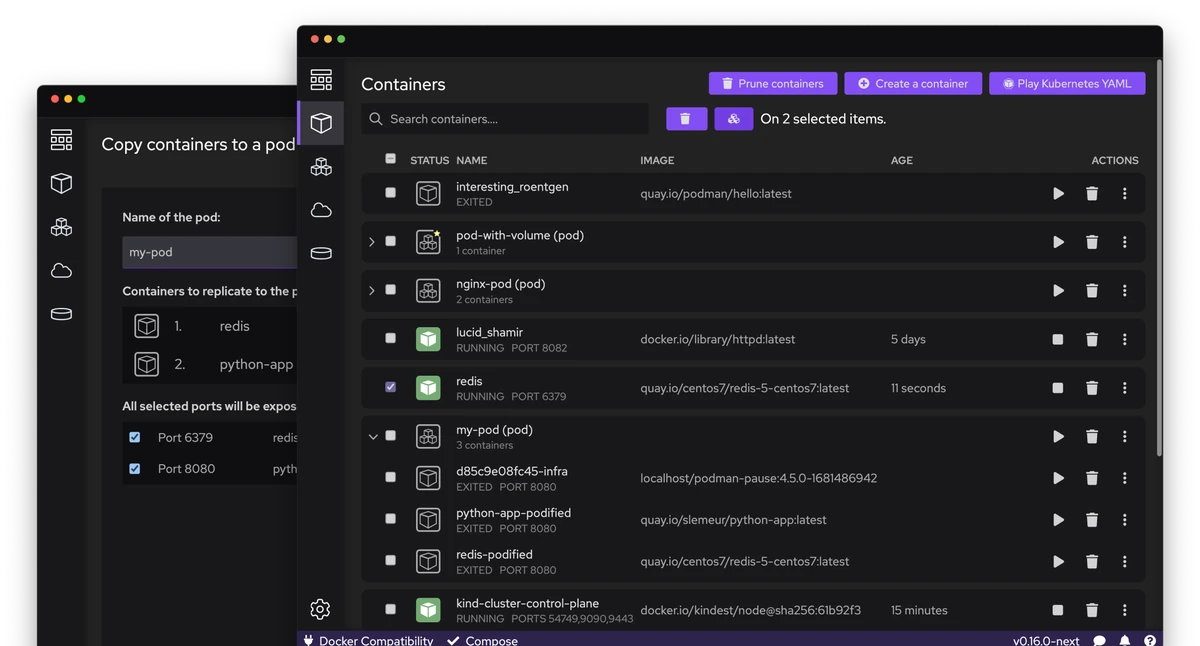
Podman 5.8’s updates reflect its ongoing focus on usability and performance. The Quadlet system makes it easier to manage container setups without sacrificing power, while the SQLite migration ensures data remains accessible and efficient. These changes are part of a broader trend in container tools toward modularity and interoperability. As containerization becomes more central to modern software development, tools like Podman must adapt to support growing demands for flexibility and scalability.
Users should test these features in non-critical environments before full deployment. For Quadlet, ensure all configuration files are correctly referenced and that permissions are set properly. With SQLite migration, monitor system logs for any warnings during the transition. These steps will help avoid disruptions while maximizing the benefits of Podman 5.8. Overall, the updates provide a stronger foundation for managing containers in both personal and professional workflows.
Website: https://podman.io/