

Have you ever wished your computer could be totally protected from viruses and mistakes? Origami Linux is trying to make that a reality! It’s a brand new operating system (that’s the software that runs your computer) built with a really clever idea: making it ‘immutable.’ Let’s dive into what that means and why it’s so cool.
What’s an Operating System Anyway?
First, a quick refresher. Your computer needs an operating system to work. Think of it like the conductor of an orchestra. It manages all the different parts – the screen, the keyboard, the hard drive – and tells them what to do. Popular operating systems you probably know are Windows, macOS, and Linux. Origami Linux is based on Linux, but with a big twist.
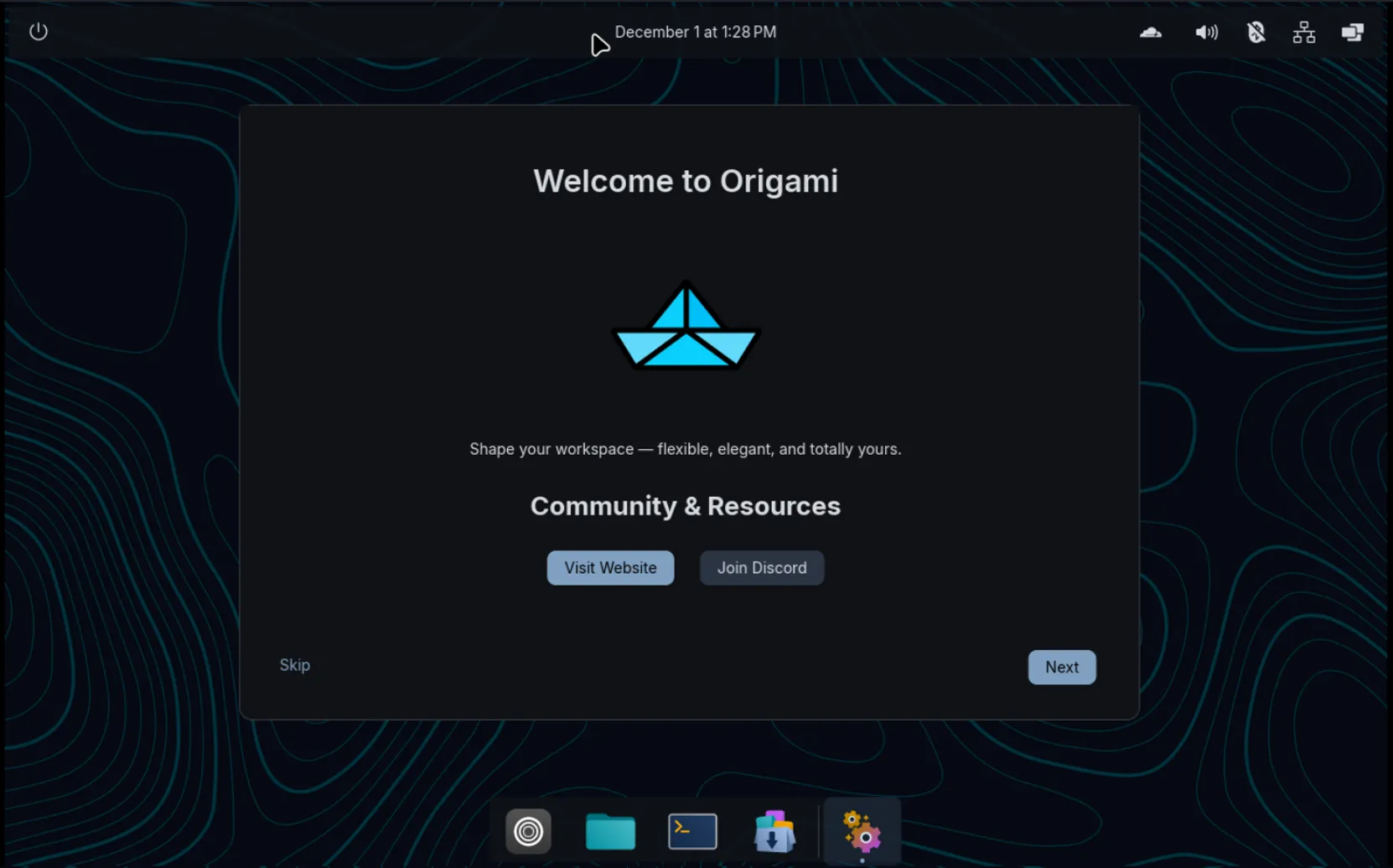
Immutable: What Does That Even Mean?
‘Immutable’ is a fancy word that means ‘unchangeable.’ Normally, when you install a program or change a setting on your computer, it’s writing new information onto the hard drive. Origami Linux takes a different approach. Instead of changing the existing system, it creates a new version with the changes. The original, untouched system stays exactly as it was. This is the core of its security and stability.
Cosmic: The Foundation of Origami Linux
Origami Linux isn’t built from scratch. It uses something called ‘Cosmic,’ a project from Pantheon Desktop, the team behind elementary OS. Cosmic is a modular operating system framework. Think of it like a set of LEGO bricks – you can use these bricks to build different kinds of systems. It’s designed to be flexible and easy to customize, which makes it perfect for Origami Linux’s unique approach.
How Does it Work? Layers and Containers
Here’s the breakdown of how Origami Linux achieves its immutability:
- Base Layer (Cosmic): This is the foundation – the core operating system provided by Cosmic. It’s read-only, meaning you can’t directly change it. This layer includes essential system files and drivers (software that lets your computer talk to hardware like your printer or graphics card).
- Overlay Layer: When you install a program or make a change, it doesn’t go directly to the base layer. Instead, it’s written to an ‘overlay’ layer on top. This layer is like a temporary workspace. It’s writable, so you can make changes here.
- Containerization (Flatpak): Origami Linux uses a technology called ‘containerization,’ specifically using Flatpak. Imagine each program is put into its own little box (the container). This box includes everything the program needs to run – its files, libraries, and dependencies. Because each program is isolated in its own container, if one program has a problem, it’s less likely to affect the rest of the system. Flatpak also makes it easier to update programs because you’re only updating the container, not the entire system.
- Rollback Mechanism: If something goes wrong – a program crashes, a setting breaks – Origami Linux can easily ‘roll back’ to a previous, working state. It simply reverts to the last known good overlay layer. This is a huge advantage over traditional operating systems, where a bad update can leave you with a broken computer.
Why is Immutability a Big Deal?
Immutability offers several significant benefits:
- Enhanced Security: Because the core system is read-only, it’s much harder for viruses and malware to infect it. They can’t directly modify the system files.
- Increased Stability: Changes are isolated to the overlay layer, so a problem in one program is less likely to crash the entire system. The rollback mechanism provides an extra layer of protection.
- Simplified Updates: Updates are more reliable because they’re essentially replacing the entire overlay layer with a new one. There’s less chance of conflicts or broken dependencies.
- Easier System Recovery: If something goes wrong, you can quickly revert to a previous working state.
The Challenges of Immutability
While immutability has many advantages, it also presents some challenges:
- Customization: Making significant changes to the system can be more complex because you’re working within the overlay layer. However, Flatpak helps mitigate this by allowing you to install and manage applications easily.
- Driver Support: Getting drivers for some specialized hardware can be tricky, although Flatpak can help with this too.
- Learning Curve: It might take some getting used to if you’re accustomed to traditional operating systems where you can directly modify system files.
What is Origami Linux?
Origami Linux is still under development, but it’s showing a lot of promise. The developers are actively working on improving the user experience and addressing the challenges mentioned above. The current release focuses on providing a secure and stable environment for developers and those who want a more robust system.
Who is Origami Linux For?
Origami Linux isn’t necessarily for everyone. It’s particularly well-suited for:
- Developers: The secure and stable environment is ideal for coding and testing.
- System Administrators: Immutability simplifies system management and recovery.
- Anyone Concerned About Security: If you’re worried about viruses and malware, Origami Linux offers a strong defense.
- Linux Enthusiasts: Those who enjoy experimenting with new technologies will find Origami Linux fascinating.
Origami Linux represents a bold new approach to operating system design. By embracing immutability, it aims to create a more secure, stable, and reliable computing experience. While it’s still early days, the potential is undeniable. Keep an eye on this project – it could change the way we think about operating systems!