

Omarchy Linux 3.4 is a cutting-edge operating system built upon the robust Arch Linux framework. It functions as a performance-driven distribution designed to bridge the gap between Arch’s raw power and modern user-friendly accessibility. This version represents a significant leap in stability, security, and hardware compatibility for diverse computing needs.
The release of Omarchy Linux 3.4 isn’t just a simple cosmetic update; it is a fundamental overhaul of how the system interacts with hardware and software. By leveraging the Linux Kernel 6.8, the OS gains native support for the latest processors and graphics cards, while simultaneously improving power management. This means if you are running a high-end laptop, you will likely see a noticeable improvement in battery longevity and thermal efficiency.
One of the most impressive technical feats in this version is the optimization of the initramfs (initial RAM disk). The developers have streamlined how critical system components are loaded during the boot process. Consequently, system boot times have been slashed, allowing users to move from the BIOS screen to a functional desktop in a matter of seconds. Furthermore, the memory management algorithm has been tweaked to handle heavy multitasking with lower latency, which is a massive win for those who run virtual machines or heavy IDEs.
From a management perspective, Omarchy 3.4 continues to use Pacman, but with a twist. The package management system now features automated dependency resolution and faster repository synchronization. This effectively minimizes “dependency hell” and ensures that system updates are smoother and less likely to break your configuration.
Enhanced Security and Developer Environment
Security is a major pillar of this update. Omarchy 3.4 now provides full, out-of-the-box support for SELinux and AppArmor. These security modules allow for granular access control, ensuring that even if an application is compromised, it cannot access sensitive parts of the system. Additionally, a new firewall configuration tool has been introduced to help users manage their network security without needing to memorize complex terminal commands.
For the developers out there, this OS is a powerhouse. It comes pre-integrated with:
- Modern Compilers: Support for the latest C++ standards.
- Containerization: Enhanced support for Docker and Podman.
- Version Control: Deep integration with Git.
- Pre-built Binaries: A library of common development tools available directly through the package manager.
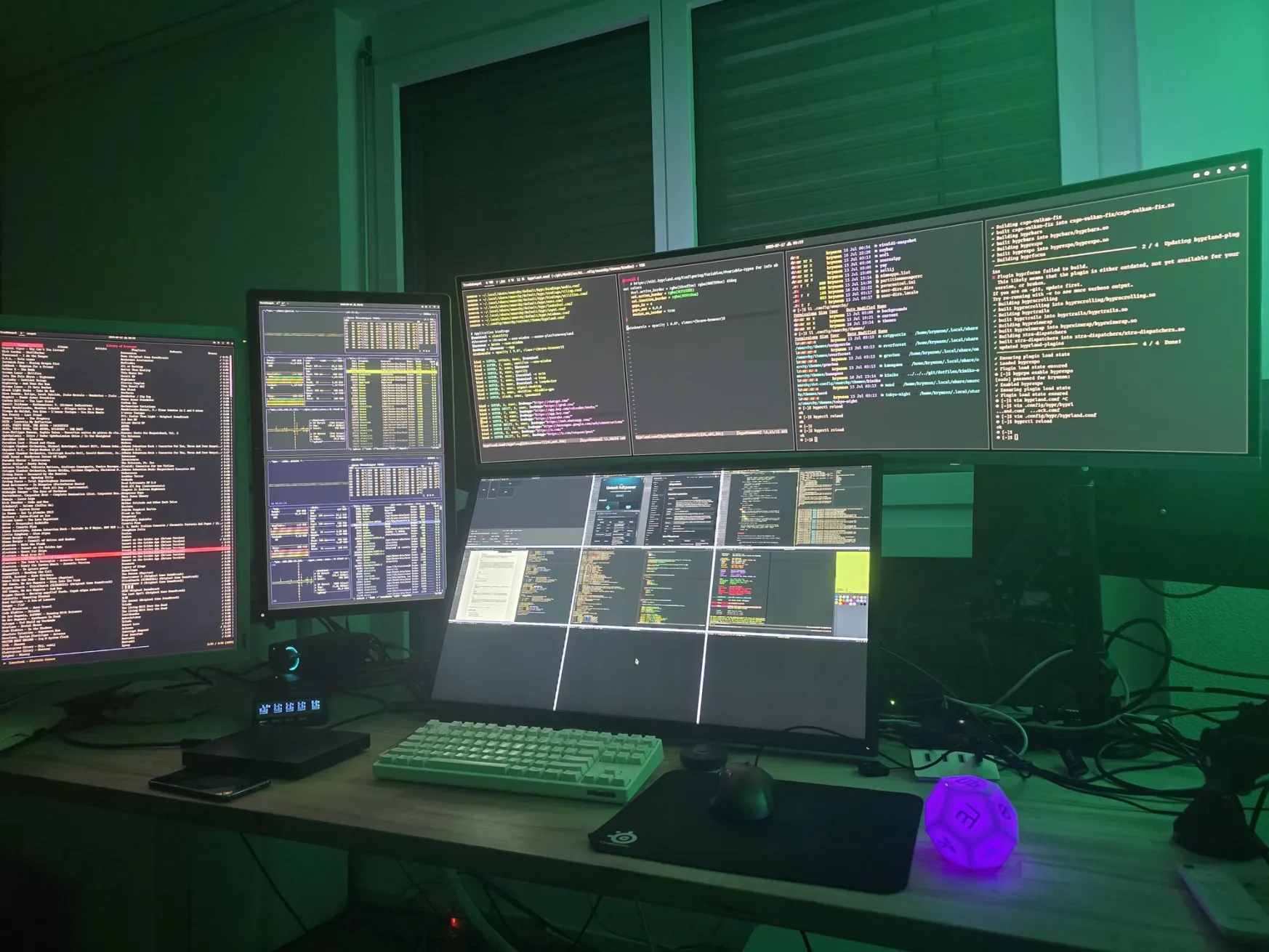
How to Get Started with Omarchy Linux 3.4
If you are looking to transition to this Arch-based powerhouse, the process has been significantly simplified. Here is how you can set it up:
- Download the Official ISO: Visit the Omarchy website and grab the latest 3.4 image. Always verify the checksum to ensure the file hasn’t been corrupted.
- Create a Bootable Drive: Use a tool like Etcher or Ventoy to flash the ISO onto a USB drive.
- Launch the Graphical Installer: Unlike traditional Arch, Omarchy provides a “Calamares-based” graphical installer. Simply follow the prompts for language and keyboard layout.
- Partition Your Disk: You can choose manual partitioning if you are a pro, or let the installer handle it automatically with the “Erase Disk” option.
- Configure User and Security: Set up your root password and user account. This is where you can also toggle the new automatic security update feature.
- Reboot and Update: Once finished, restart your PC, remove the USB, and run a quick system sync to ensure all packages are at their absolute latest version.
Omarchy Linux 3.4 is a highly impressive release that manages to keep the “bleeding edge” spirit of Arch Linux while making it approachable for those who don’t want to spend hours configuring a bootloader. The balance between the 6.8 kernel’s efficiency and the added security layers like SELinux shows that the community behind this project is maturing.
My only critique is that while the graphical installer is great, the sheer number of customization options in the new UI might feel slightly overwhelming for a complete Linux beginner. However, for power users and developers, this is easily one of the most stable and feature-rich Arch-based distributions available today. If you want a system that is fast, secure, and stays out of your way, giving Omarchy 3.4 a spin is a no-brainer.