
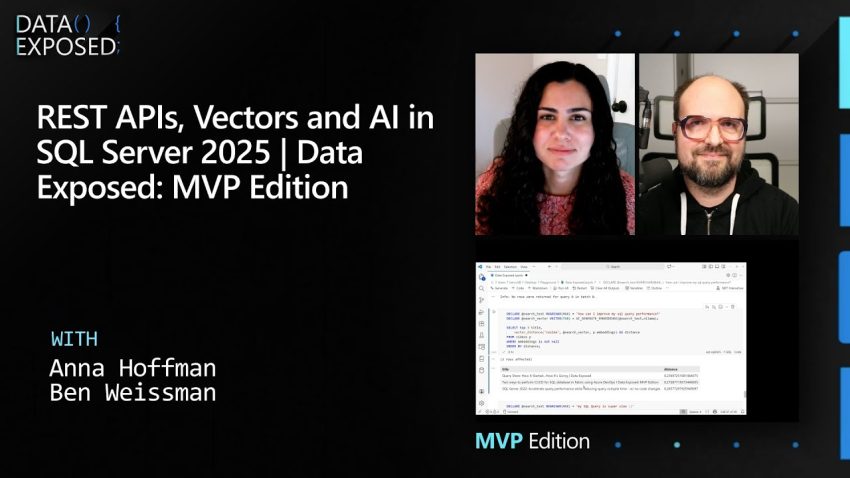
Imagine building a search engine that actually understands what you mean, rather than just looking for the exact words you typed. In a recent demonstration, data expert Ben Weissman showed how to use the new features in SQL Server 2025 to do exactly that. By combining YouTube data, REST APIs, and Artificial Intelligence, we can create a system that thinks like a human. Let us explore how this technology works and how you can understand the process behind it.
The first step in this project involves setting up a secure environment within the database. Ben starts by creating a brand new database named “Data Exposed” to ensure a clean slate. Because the system needs to talk to the outside world, specifically YouTube, security is very important. He creates a master encryption key to protect the credentials. This is like creating a secure password vault inside the database. The system uses this key to store the API credentials safely. The most important configuration step here is enabling the REST endpoint feature in SQL Server 2025. This feature is a game-changer because it allows the database to communicate directly with other software and services over the internet without needing extra tools or complex programming code.
Once the database is ready, the next phase is to organize where the data will live. We need to create specific tables to hold the information we plan to gather. For this example, two tables are created: one for playlists and one for videos. The playlist table stores the unique ID and name of the collection, while the video table is more detailed. It includes columns for the video title, description, and the date it was published. This structure acts like a digital filing cabinet where every piece of information has its specific place. With the tables ready, the system can now use the REST API to fetch data. An API, or Application Programming Interface, is like a waiter in a restaurant. You tell the waiter what you want, they go to the kitchen (YouTube), and bring the food (data) back to you.
The data returned by the API comes in a format called JSON. This looks like a long string of text with brackets and labels, which is easy for computers to read but harder for humans. SQL Server 2025 uses a function called OPENJSON to take this raw text and organize it neatly into the rows and columns of the tables we created earlier. The process involves looping through the API results to grab the playlist items first, and then performing a second loop to get specific details for every video, such as the full description and title. This transforms an empty database into a rich library of information in just a few minutes.
After loading the data, the project moves to the exciting part: using Artificial Intelligence. In the past, if you wanted to analyze text, you needed complex external servers. Now, SQL Server allows you to connect to AI models directly. Ben demonstrates this by using a local AI model called Ollama running on his own computer with a GPU. He sends the video descriptions to the AI and asks it to summarize them. Because this is a Generative AI, the answers change slightly every time you ask, just like a human might phrase things differently. This capability is useful for tasks like translating text or creating social media posts automatically.
The final and most advanced piece of the puzzle is called vector search. Computers do not understand words; they understand numbers. To help the computer understand the meaning of the video titles, we convert the text into a long list of numbers called a “vector” or an “embedding.” In this example, the system generates a vector with 768 dimensions for each video. This is done using a function called AI_GENERATE_EMBEDDINGS. It takes the text, processes it through the AI model, and saves the resulting number sequence into a new column in the video table. This process turns language into math.
With these vectors stored, we can perform what is known as semantic search. A standard search looks for exact word matches. If you search for “slow,” a standard search will not find a video titled “performance issues” because the words are different. However, vector search calculates the distance between the meaning of your search query and the meaning of the video data. When Ben searches for “How can I improve my SQL query performance,” the system uses a mathematical formula called Cosine Distance to find the vectors that are closest to that question. The result is that the database finds relevant videos about speed and optimization, even if the specific keywords do not match perfectly. This entire process happens directly inside SQL Server using standard SQL commands, proving how powerful and intelligent modern databases have become.
It is truly impressive to see how accessible these advanced technologies are becoming. You do not need a supercomputer or a massive cloud budget to start experimenting with AI and data; often, a standard computer with a good graphics card is enough to run local models. By mastering these concepts of REST APIs, JSON data handling, and vector embeddings, you are learning the building blocks of the future of software. I highly recommend looking into the sample code provided by experts in the community to try building your own intelligent data application.