
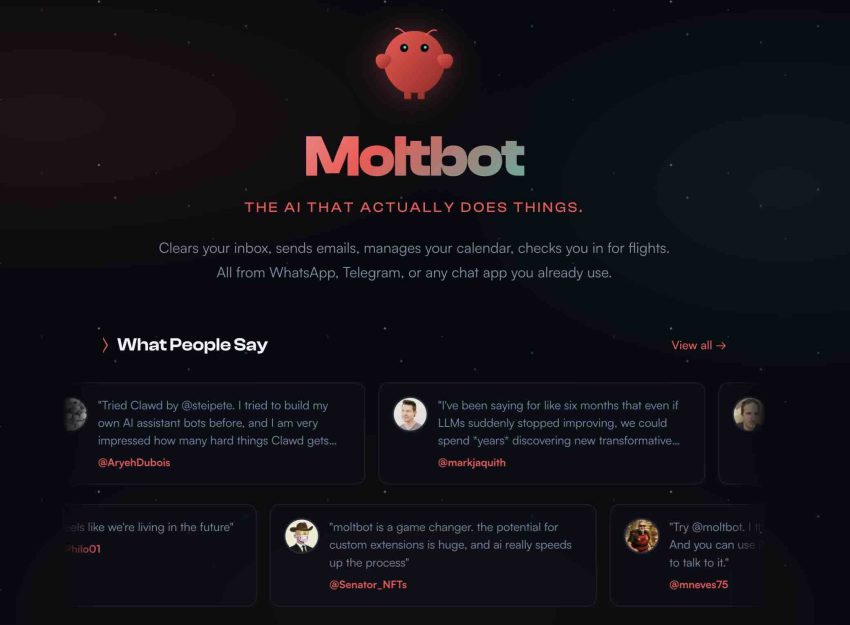
Imagine having a super-smart digital assistant that lives on your computer and can handle your emails, files, and even your calendar. While Moltbot, formerly known as Clawdbot, is incredibly powerful, giving an AI “hands and eyes” on your system creates significant security risks that every young developer must address.
The first major security risk you might encounter is having your gateway exposed to the entire internet. By default, if the bot is set to listen on the 0.0.0.0 address at port 18789, it is essentially inviting anyone who finds your IP address to try and talk to it. To fix this, you must set a specific gateway authentication token within your environment variables. This creates a digital password that only authorized connections can use, ensuring that the doorway to your AI assistant isn’t just swinging open for any stranger to walk through. It is a fundamental rule in networking that you should never leave a service accessible to the public without a strong layer of authentication.
Another critical area involves how the bot communicates with users through Direct Messages, or DMs. If your DM policy allows all users, anyone on a chat platform like Telegram or Discord could potentially trick your bot into running commands on your computer. You should change this by setting your DM policy to an allowlist with explicit user IDs. By doing this, you are telling the bot to only listen to you and perhaps a few trusted friends. This prevents unauthorized users from sending malicious prompts that could compromise your private data or system settings.
When it’s time to let the bot run code, you should never let it run freely on your main operating system without protection. By default, sandboxing might be disabled, which is very dangerous because it allows the bot to access your actual system files directly. To solve this, you must enable the sandbox for all operations and configure the Docker network settings to none. Think of a sandbox as a secure, transparent box where the bot can play with blocks without being able to touch anything outside the box. Using Docker network isolation ensures that even if the bot is running a script, it cannot secretly reach out to the internet to upload your private files to a hacker’s server.
Managing your secrets is also a top priority for any security-conscious person. Sometimes, beginners leave their API credentials in plaintext within a file called oauth.json, which is like leaving your house keys under the doormat. Instead, you should move these secrets into environment variables and use the chmod 600 command on your configuration files. The chmod 600 command is a technical instruction that tells your computer only the owner of the file can read or write it. This protects your sensitive API keys from being read by other programs or users on the same machine.
You also need to be aware of a sneaky trick called prompt injection, which happens when the bot reads a website that contains hidden instructions designed to hijack the AI’s logic. To prevent this, you should always wrap untrusted web content in special “untrusted” tags when sending data to the LLM. This helps the AI model understand that the text inside those tags should be treated as data to be read, not as a command to be followed. It is like telling the AI that just because a website says “delete all files,” it does not mean the AI should actually do it.
Furthermore, you must proactively block dangerous commands that the bot might accidentally try to execute. Even a helpful bot might make a mistake and try to run a command like rm -rf, which could delete your entire hard drive, or git push –force, which might ruin your coding projects. You should create a blocklist of these dangerous shell commands and curl pipes to ensure the bot never has the permission to run them. This acts as a safety railing that prevents the AI from falling into a destructive loop or being used as a tool for system-wide damage.
When you connect your bot to external tools using the Model Context Protocol, or MCP, you should follow the principle of least privilege. This means you should only grant the bot the absolute minimum access it needs to do its job. If the bot only needs to read your calendar, do not give it permission to edit your emails. By restricting MCP tools to the minimum required, you reduce the “blast radius” if something ever goes wrong. It is much safer to have a bot with limited powers than one with full administrative control over your entire digital life.
To keep track of what is happening while you are away, you should enable comprehensive session logging and audit logs. Without these logs, you would have no idea if someone tried to break into your bot or if the bot made a weird mistake at 3:00 AM. Audit logging is like having a security camera that records every single action the AI takes. If something breaks, you can look back at the logs to see exactly what happened and fix the problem. This is a standard practice in professional IT environments because it provides accountability and a way to troubleshoot complex issues.
Finally, you must ensure that the way you pair your devices to the bot is secure. Using weak or default pairing codes makes it easy for hackers to guess their way into your system using a technique called brute force. To harden this, you should always use cryptographically random codes and implement rate limiting. Rate limiting is a technical safeguard that slows down the number of times someone can try to enter a code. If a hacker tries to guess the code too many times, the system will temporarily lock them out, making it practically impossible for them to guess a long, random sequence of numbers.
Securing your personal AI agent is not a one-time task but a continuous process of learning and protecting your digital environment. By following these ten hardening steps, you transition from being a casual user to a responsible developer who understands the importance of cybersecurity. Remember that the more power you give to an AI, the more responsibility you have to ensure that power is shielded by strong technical guardrails. I highly recommend that you immediately check your Moltbot configuration files and apply these fixes to ensure your “Jarvis” stays helpful and, most importantly, safe.
Website: https://www.molt.bot/