
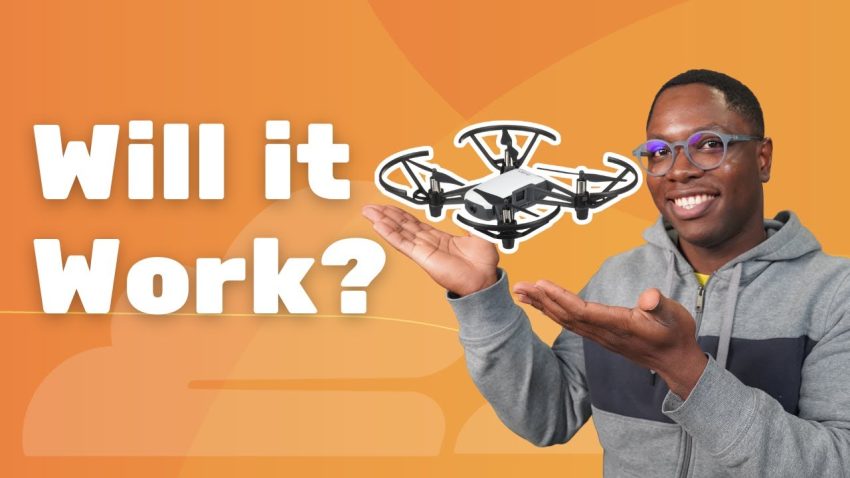
Have you ever wondered if artificial intelligence is smart enough to fly a real drone in the physical world, dealing with wind and obstacles just like a human pilot? Usually, flying requires a remote controller and good hand-eye coordination, but today we are replacing the human pilot with lines of code. In this project, we explore how to build a system where an AI agent connects to a DJI Tello drone, analyzes the camera feed in real-time, and makes flight decisions to track a specific object.
To understand how this actually works, we first need to look at the hardware setup and the unique networking challenges involved. We are using a DJI Tello drone, which is a fantastic, programmable quadcopter perfect for educational projects. The drone creates its own Wi-Fi network, which allows us to send commands to it using a communication protocol called UDP. However, this creates a specific problem for our laptop. If the laptop connects to the drone’s Wi-Fi to fly it, the laptop loses its connection to the internet. Since our AI brains and models live in the cloud, we need both connections simultaneously. The solution involves a bit of networking creativity where we connect the laptop to the drone via Wi-Fi and simultaneously tether a mobile phone via a USB or Ethernet cable to provide internet access. This dual-network bridge allows the local script to talk to the drone while sending data back and forth to the AI models on the internet.
The core of this project relies on a software architecture that splits the responsibilities into two distinct parts: the Controller and the Agent. You can think of the Controller as the hands and eyes of the operation. This is a script running locally on the computer that manages the direct UDP connection to the drone. It sends the raw flight commands like “take off,” “move left,” or “land.” More importantly, the Controller captures the video stream coming from the drone’s camera. We use a tool called FFmpeg to process this video stream, taking snapshots of the video frames every few seconds. These frames are the eyes that the AI uses to understand the world around it.
Once the Controller captures a frame, it needs to understand what it is looking at. This is where computer vision comes into play. We send the image frame to a lightweight vision model called Moondream. Moondream is excellent for this task because it is fast and can perform object detection based on natural language prompts. For this experiment, we tell Moondream to look for a specific target, such as an orange T-shirt. The model analyzes the image and returns the coordinates of where that orange T-shirt is located within the frame. If the shirt is on the far right of the image, the model tells us that, and this data is crucial for the next step of the process.
The second part of our system is the Agent, which acts as the brain. Built using the Cloudflare Agents SDK, this component is responsible for decision-making. We actually use two sub-agents to keep things organized. The first is a Chat Agent, which interfaces with the human user, allowing you to type commands like “fly to the orange shirt” or “check battery level.” The second is the Drone Agent, which communicates with the local Controller via WebSockets. When the vision model says the target is to the right, this data is fed into a Large Language Model (LLM). The LLM analyzes the situation—knowing the drone’s current state and the target’s location—and determines the correct navigational command. It calculates that to center the target, the drone needs to yaw or rotate to the right.
The flight execution is a continuous loop of sensing, thinking, and acting. When the mission starts, the drone takes off and enters a scanning mode, performing a 360-degree sweep to locate the target. As soon as the vision model detects the orange T-shirt, the Agent stops the rotation and calculates the distance. If the target is far away, the Agent commands the drone to pitch forward. The system constantly fights against environmental factors like wind, which can push the tiny drone off course. The AI has to compensate for this by continuously adjusting its path based on the fresh video data it receives. When the target becomes large enough in the frame, the Agent concludes that it has arrived at the destination and sends the landing command, completing the autonomous mission.
This entire system demonstrates that AI is no longer just about chatbots answering questions on a screen; it can interact with the physical world through robotics. The logic utilized here is surprisingly accessible thanks to modern tools. The Cloudflare Agents SDK simplifies the complex management of state and communication between the user, the cloud AI, and the local hardware. By combining standard web technologies like WebSockets with powerful AI models, we can create autonomous systems that perceive their environment and take logical actions without human intervention.
Building an autonomous drone agent proves that with the right combination of networking, computer vision, and logic, we can extend the capabilities of AI into physical reality. This experiment shows that an LLM can effectively translate visual data into kinetic movement, handling the logic of flight just as a human operator would. If you are interested in robotics or AI, experimenting with programmable hardware like the DJI Tello and agent frameworks is the perfect way to start understanding the future of autonomous machines.