
Imagine building a website that can talk back to you and actually understand what you are looking for, just like a helpful shop assistant. That is exactly what we are exploring today with TanStack AI. This is a powerful new library designed to help developers add artificial intelligence to their applications without getting a headache. In this lesson, we will break down how to set it up, how the server talks to the client, and how to give your AI special tools to perform real tasks.
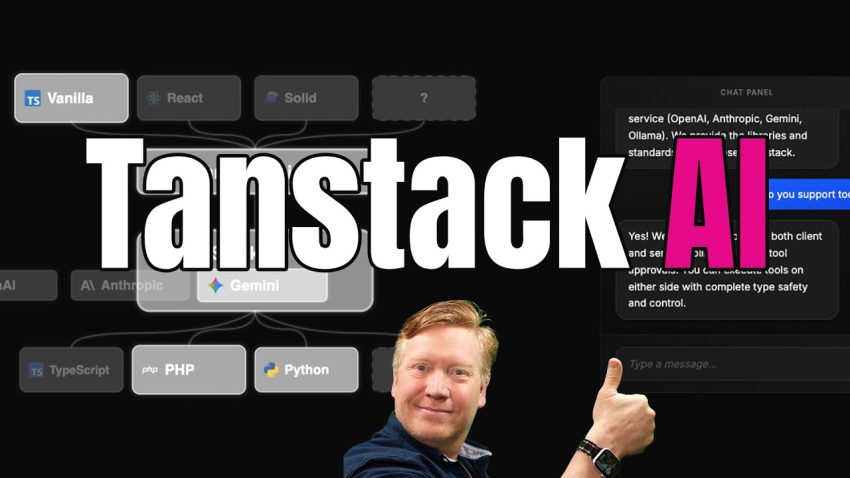
To understand TanStack AI, you must first visualize it as a bridge. On one side, you have your application, which lives in the user’s browser. This is called the client. On the other side, you have the “brains” of the operation, which are large language models provided by companies like OpenAI, Anthropic, or Google Gemini. TanStack AI sits in the middle and handles the communication between the two. The library provides a specialized client for your frontend, which supports popular frameworks like React, Vue, Solid, and Svelte. Simultaneously, it provides a server-side library that standardizes how your code talks to different AI providers. This means you can switch from using OpenAI to Anthropic just by changing a few lines of configuration, rather than rewriting your entire application.
We will begin our practical experiment by setting up a project. While TanStack AI works with any JavaScript framework, it pairs exceptionally well with TanStack Start. You would typically use your terminal to run the create-start-app command. During this setup process, you simply select TanStack AI as an addition. Once the application is created, the first technical step is managing your security keys. You cannot access these powerful AI models without a key, so you must configure your environment variables with an API key, such as one from Anthropic or OpenAI. It is important to note that this library is very flexible; it even supports local models via Ollama if you prefer not to use a cloud provider.
Let us look at how the server handles the intelligence. In your project’s server files, you will create an API route designed to handle a POST request. This is where the magic happens. You need to import an “adapter” specific to the AI provider you are using. For example, if you are using Anthropic, you would import anthropicText. The core of your server code involves calling a chat function provided by the library. This function requires a few specific ingredients to work: an adapter to know which AI to talk to, a “system prompt” which gives the AI its instructions (like telling it to be a polite guitar salesman), and the history of messages so it remembers the conversation. Additionally, you pass an AbortController, which is a safety feature that stops the data stream if the user decides to cancel the request.
The output from this server function is a stream of chunks. Think of this like a water hose; instead of waiting for the entire bucket of water to arrive, the data flows to the client little by little. Currently, TanStack AI uses its own token format for this, but they are working on adopting the AG-UI standard to make it even more compatible with other systems. To send this data back to the browser, we use a format called Server Sent Events (SSE). The library provides a helper function called toServerSentEventsResponse that takes the stream from the AI and formats it correctly for the web browser to consume.
Now that the server is broadcasting, we need to capture that broadcast on the client side using the user interface. If you are using React, TanStack AI provides a hook called useChat. This hook is a wrapper that manages all the complicated logic for you. It connects to the server using a fetch function specialized for SSE. As the data arrives, the useChat hook automatically converts those raw data chunks into readable messages. It handles the state of the conversation, so you do not have to manually update the text on the screen every time a new word arrives. This makes building the chat interface much simpler, allowing you to focus on how the app looks rather than how the data moves.
The most exciting part of modern AI is the concept of “Agents.” An agent is an AI that can do more than just talk; it can use tools. In TanStack AI, you can define tools on both the server and the client. A server tool might be a function called getGuitars. When the user asks for a recommendation, the AI decides to call this tool. The tool runs on your server, looks up a database of guitars, and returns the list to the AI. The AI then uses that data to write a response. You must define the schema for these tools very carefully, providing a clear description so the AI understands exactly when and how to use them.
However, tools are not limited to the server. You can also create client-side tools. For instance, if the AI recommends a specific guitar, it could trigger a tool called recommendGuitar that runs in the user’s browser. This could cause the website to navigate to that product’s page or show a popup alert. To prevent the AI from getting stuck in a loop—where it keeps calling tools forever without answering—TanStack AI includes a strategy to limit iterations. You can set a maximum number of steps, ensuring that if the AI tries to do too many things at once, the program will stop it before it crashes the browser.
By combining these elements—the standardized adapters, the streaming architecture, and the powerful tool definitions—you create an application that feels alive. The user asks a question, the server processes it with a massive brain, and the interface responds instantly with text and actions. This is the future of web development, where applications are not just static pages, but intelligent assistants capable of helping users accomplish complex tasks.
To wrap up our lesson, we have learned that TanStack AI acts as a robust connector between your code and the world of Large Language Models. It simplifies the complex process of streaming data and managing different API providers. By mastering tools and agents, you are moving beyond simple chatbots and creating software that has real agency to act on behalf of the user. I highly recommend you try setting up a simple project yourself to see the “magic” in action. The best way to learn is to build, so go ahead and create your own AI assistant today.